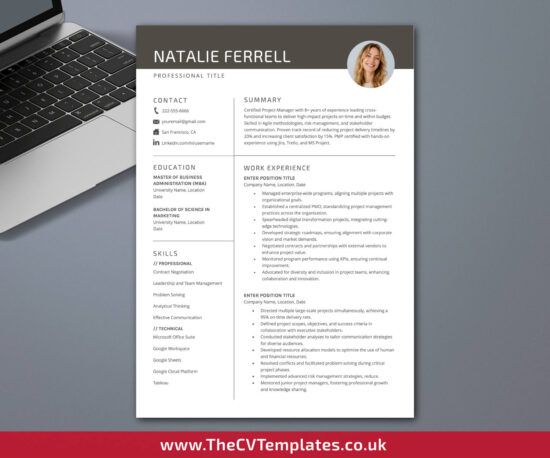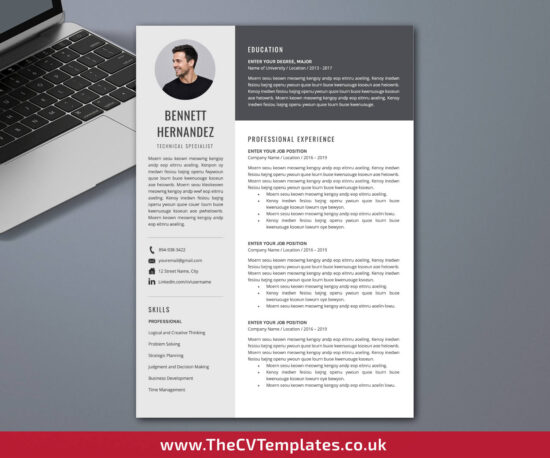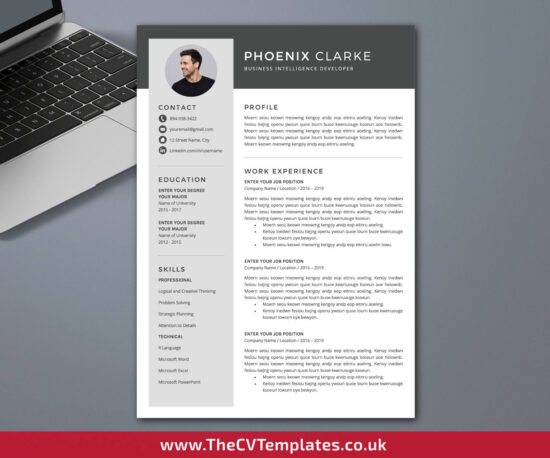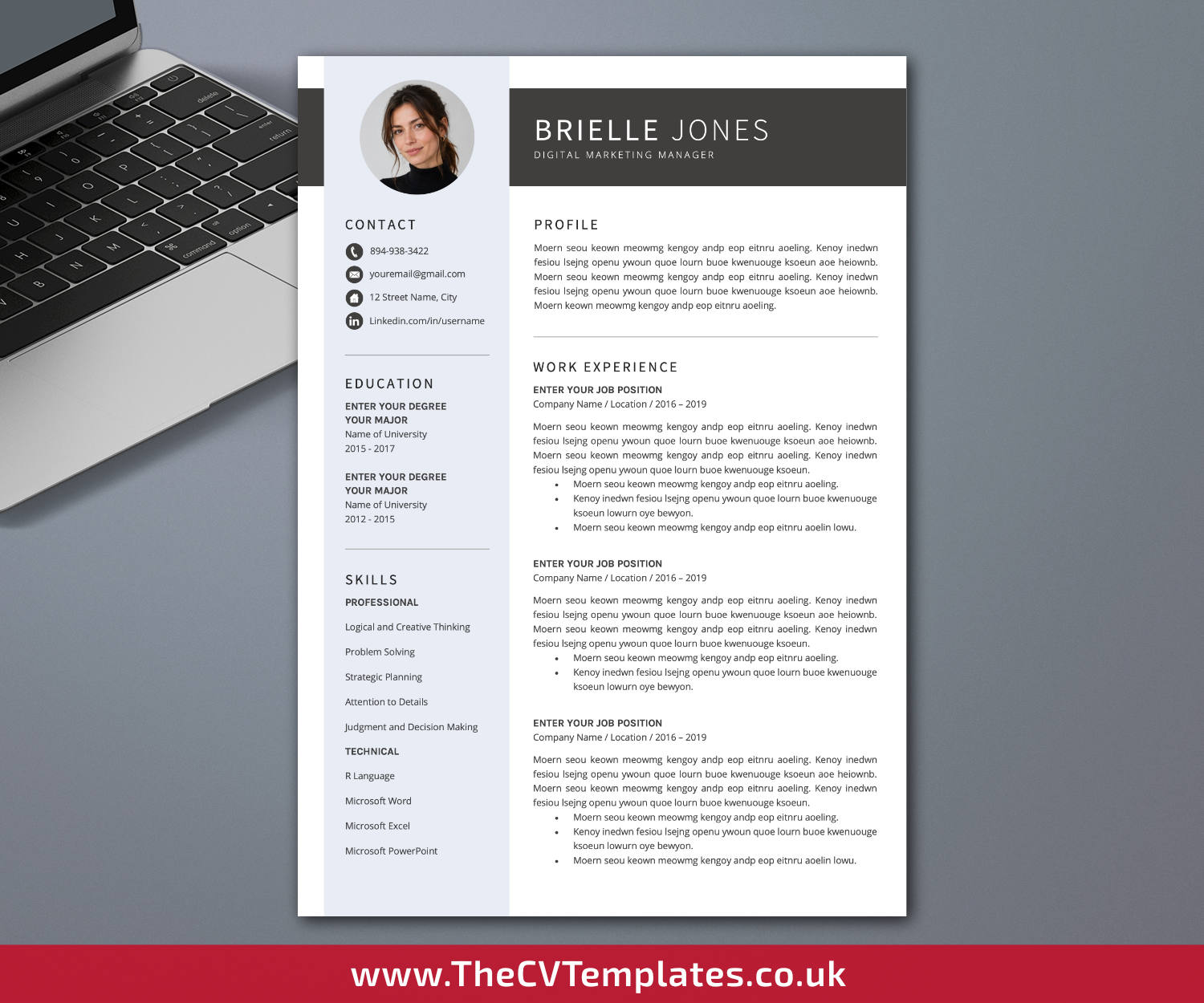
Modern CV Template for Microsoft Word, Professional Resume, Simple Resume, College Student Resume, High School Student Resume, 1-3 Page Resume for Job Application, Instant Download
£12.00
Your Capabilities Come First. We’re Here to Support How You Present Them.
Organizations value people who can learn, communicate, collaborate, adapt, lead, and solve problems. Your CV should clearly demonstrate the skills, experience, achievements, and potential you bring to a role. At TheCVTemplates.co.uk, we create professional, practical, and thoughtfully structured CV templates that make it easier to present your strengths clearly and professionally-while keeping your capabilities and experience at the centre.
Your download includes:
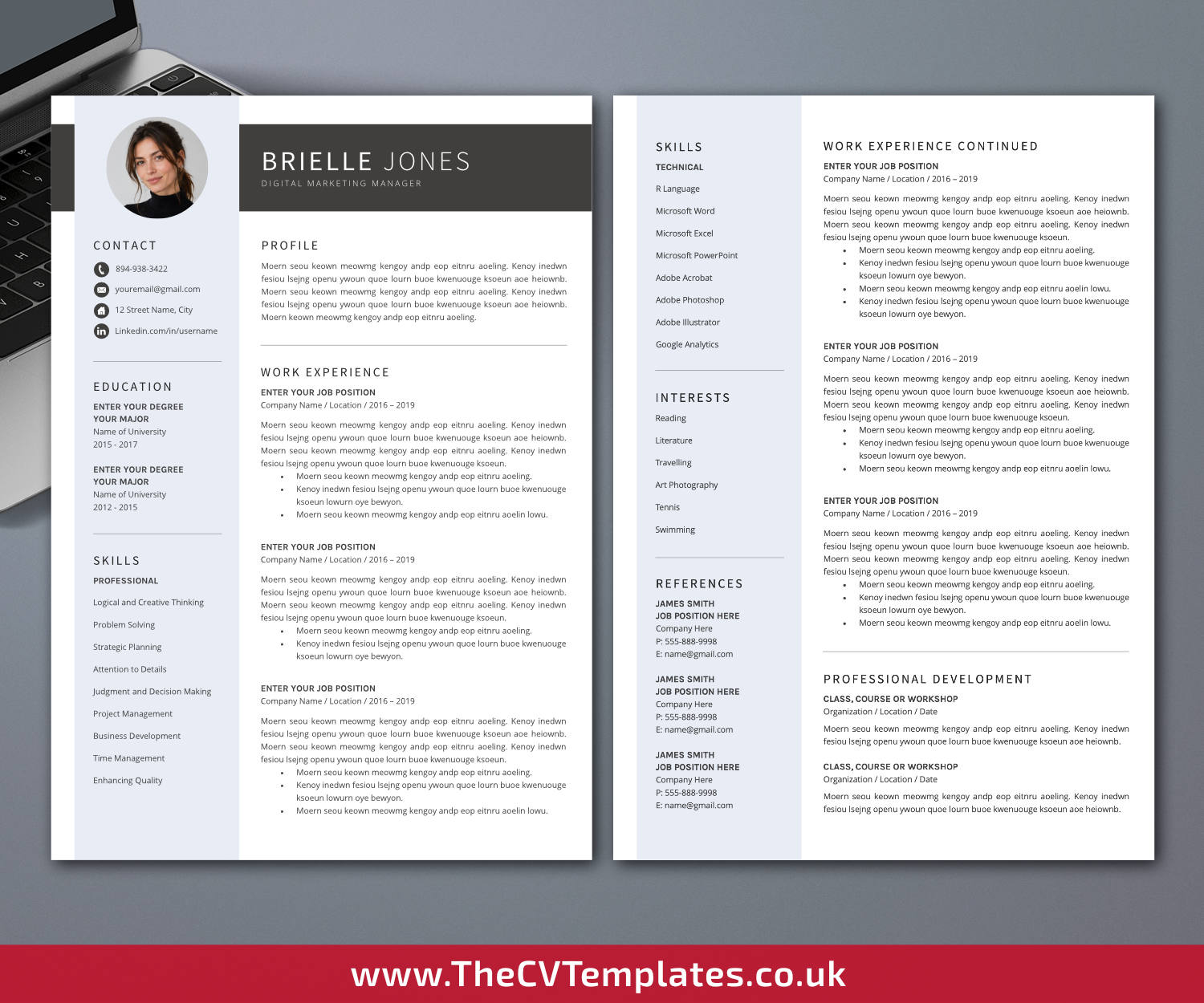
– 1 page CV template (.DOCX format, A4 and US Letter)
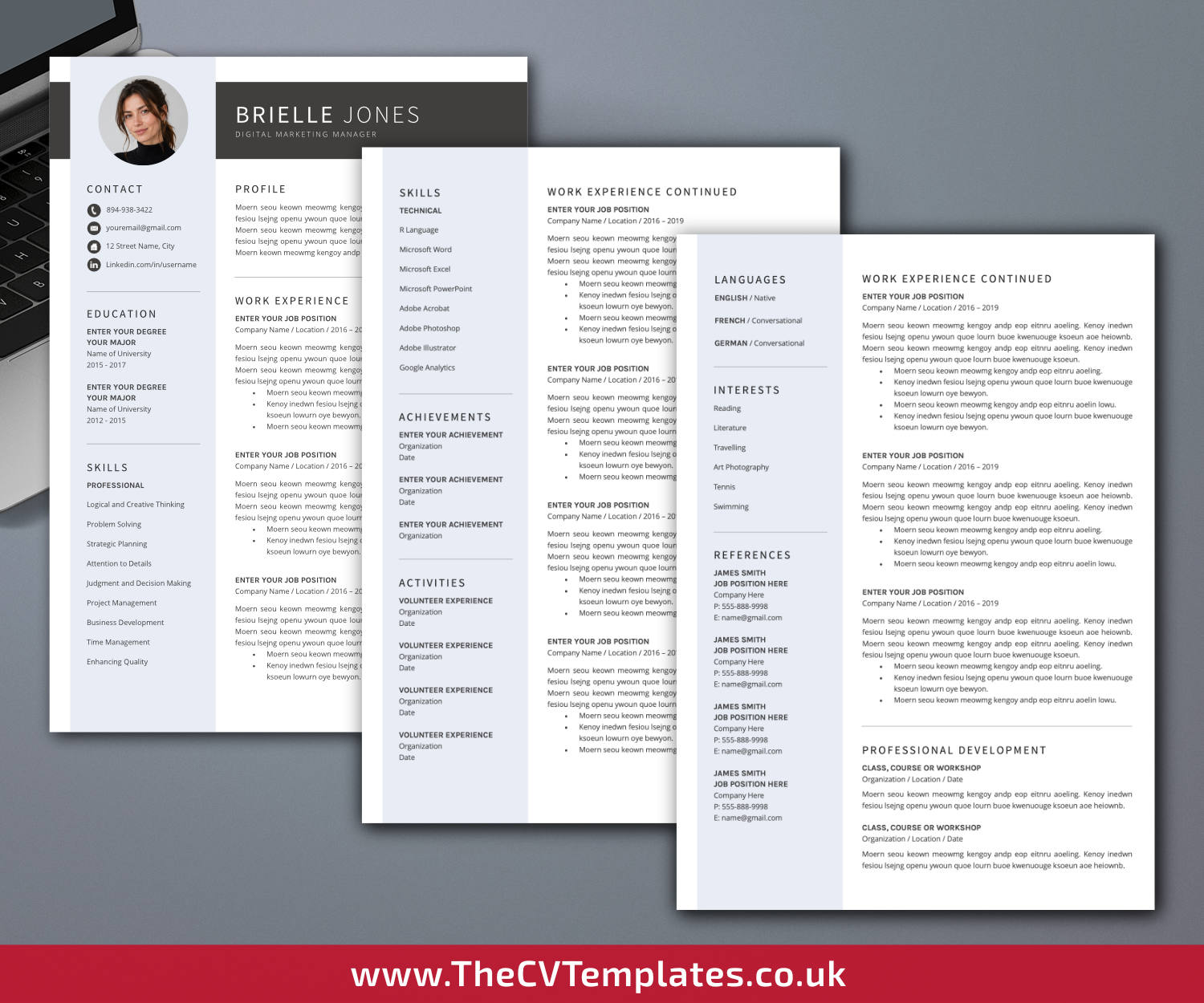
– 2 page CV template (.DOCX format, A4 and US Letter)
– 3 page CV template (.DOCX format, A4 and US Letter)
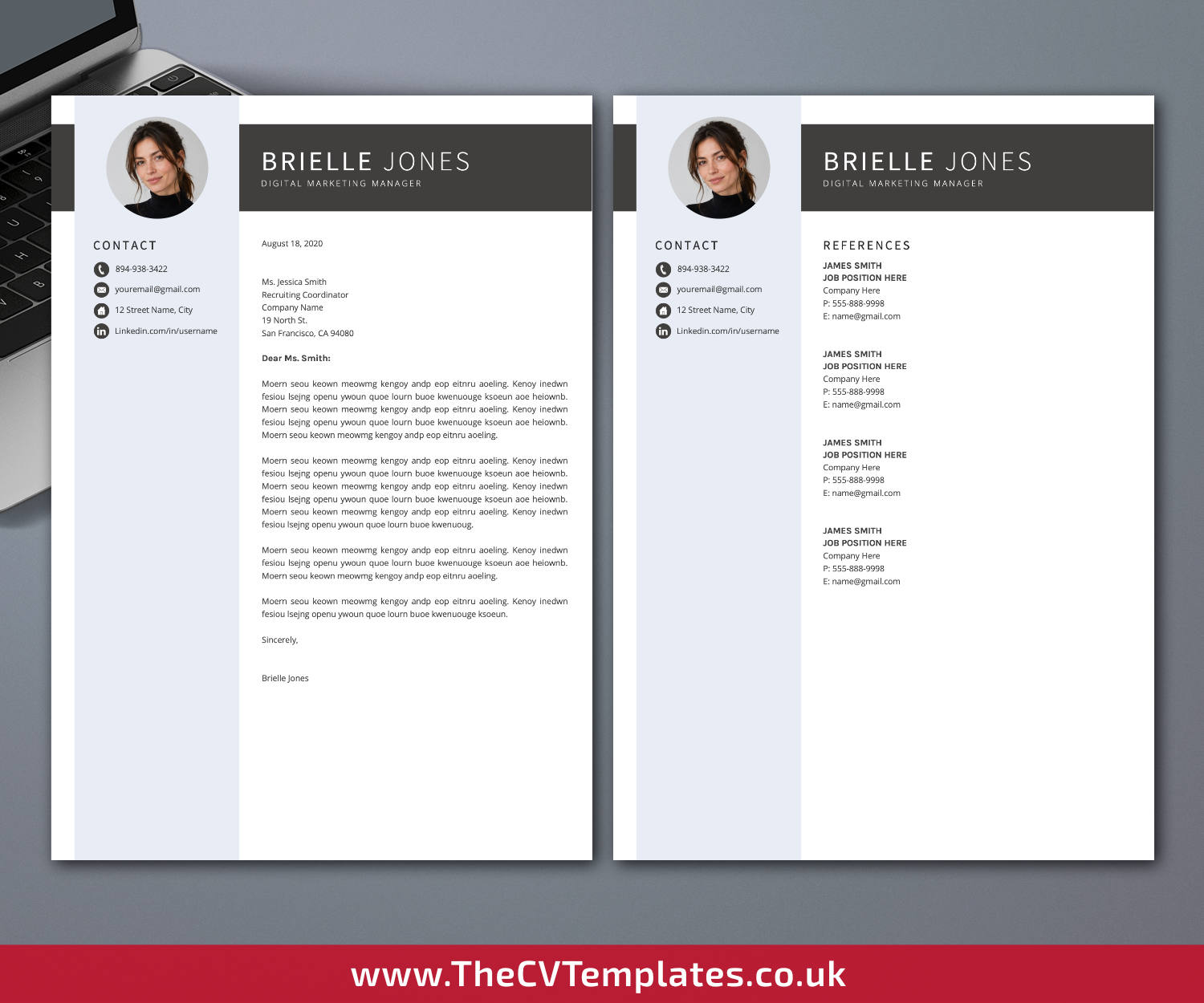
– Cover letter template (.DOCX format, A4 and US Letter)
– References template (.DOCX format, A4 and US Letter)
– Required font installation files
– Extra CV icons in .DOCX format
– CV template user guide in .PDF format
Description
◾ Professional Design with Practical Details in Mind
– Preparing a CV involves more than filling a page with information. Professional experience, education, skills, achievements, qualifications, and other relevant information need to be organized into a document that is clear, coherent, and practical to update.
– Our CV templates provide a ready-made visual and structural framework, reducing the need to create the document formatting from the beginning. Careful attention is given to typography, spacing, alignment, section hierarchy, page balance, and consistency while keeping the documents straightforward to personalize.
◾ Designed to Support Your Editing Process
– Our aim is to make the design and formatting side of CV preparation more manageable, while leaving the most important decisions—what you want to communicate about yourself and how it relates to the position—in your hands.
– The template provides the layout and document structure in advance. Replace the sample content with your own information, choose the appropriate page length, and adapt individual sections to your experience and application requirements.
– professionally prepared template can reduce the time and effort required to build and repeatedly adjust the document formatting, giving you more opportunity to concentrate on reviewing and improving the content that demonstrates your relevant capabilities, experience, achievements, and potential.
◾ Created for Microsoft Word
– This CV template is designed specifically for the desktop version of Microsoft Word on Windows and Mac and is not designed for Apple Pages.
– The latest desktop version of Microsoft Word should be properly installed on your computer to open, personalize, and edit the .DOCX templates. Adobe Acrobat Reader or another commonly used PDF reader is required to open and view the included .PDF user guide.
– If Microsoft Word is not currently installed on your computer, you can visit the Microsoft website to check the available Microsoft 365 trial options.
◾ Prepare Your CV for Editing
– Before editing, extract the downloaded .ZIP file and install the required fonts. Restart your computer if required, then open the .DOCX files with a properly installed desktop version of Microsoft Word.
– Replace the sample content with your own professional information and review each section carefully. Select the 1-page, 2-page, or 3-page version according to the amount of relevant information you need to present.
◾ Purchase, Download & Start Editing
1. Create Your Account
Create an account through Your Accountin just a few clicks. No unnecessary personal information is required.
2. Purchase Your CV Template
Purchase the CV template from your computer or an internet-connected smart device.
3. Download to Your Computer
Download your purchased CV template on your computer rather than on a mobile device such as a smartphone or tablet. Go to Your Account → Downloads and click the corresponding download link for your purchase.
4. Extract the downloaded .ZIP file, install the required fonts, restart your computer if required, and open the .DOCX templates in Microsoft Word. Replace the sample content with your own information and adapt the documents to your application needs.
◾ Privacy & Personal Information
– We only have access to information that you voluntarily provide through purchases made on our website or through other forms of direct communication with us.
– We will not sell or rent your personal information or share it with any third party outside our organization, except where necessary to fulfill your service request.
-We will use your personal information only as necessary to respond to your service or information requests and address the reason you contacted us.
◾ Refunds, Exchanges & Returns
– By purchasing and using our products and services, you agree to be bound by our refund and exchange policy.
– Because our CV templates are digital products, all purchases are final, and requests for refunds, exchanges, or returns cannot be accepted.
– We are always happy to provide prompt and friendly customer service. Please contact us if you have any questions or concerns regarding your purchased templates.
◾ Personal Use & Intellectual Property
– All designs, concepts, and content are solely owned by TheCVTemplates.co.uk. No part of the designs may be copied, reproduced, transmitted, or distributed in any form or by any means under any circumstances.
– All templates sold or otherwise provided are intended for personal use only and may not be redesigned, resold, or redistributed under any circumstances.